Mental Load
Feeling Overwhelmed? Here's the Reminder System Busy People Actually Use
Feeling Overwhelmed? Here's the Reminder System Busy People Actually Use
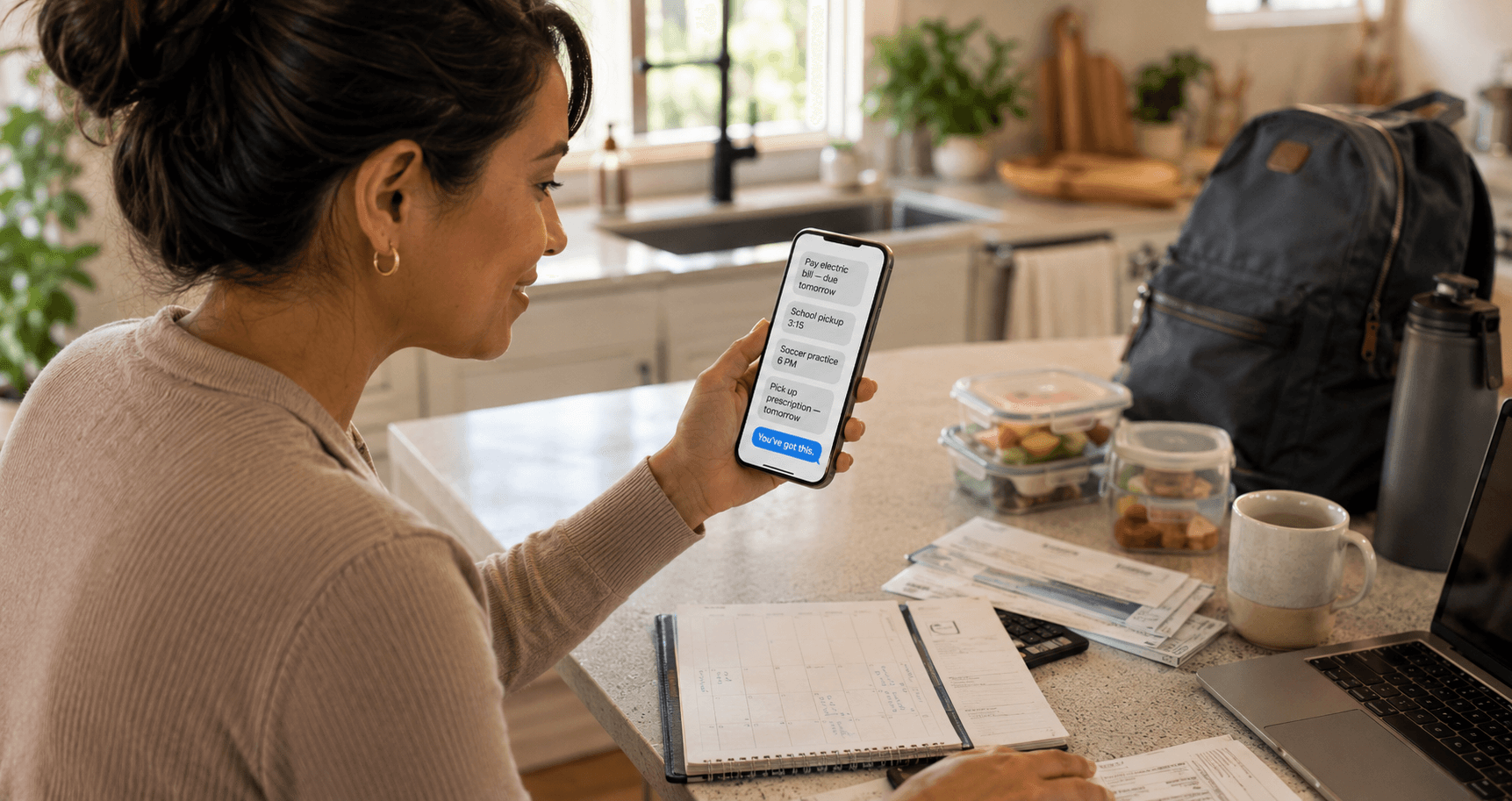
The kitchen island is covered.
A bill is half-hidden under a school form. A laptop is open beside two lunch containers. Someone needs a ride. Someone else needs a signature. The calendar says one thing, the group chat says another and a prescription is waiting at the pharmacy.
Nothing is individually impossible.
Together, it feels like too much.
You stand in the middle of it trying to decide what to do first, while your mind keeps repeating everything you cannot afford to forget.
This is what mental overload often looks like. Not one dramatic crisis. Just too many small commitments competing for the same attention.
The usual advice is to become more disciplined, make a better list or wake up earlier.
But overwhelmed people rarely need a more demanding system.
They need a system that asks less of them.
Why everything starts to feel urgent
When tasks have no trusted place to go, the brain keeps reopening them.
Pay the bill.
Reply to the message.
Pack the uniform.
Confirm the appointment.
Buy the gift.
Call the school.
Each unfinished item creates uncertainty:
- Will I remember?
- When will I do it?
- What happens if I miss it?
- Is there something else I am forgetting?
The emotional weight is often larger than the task itself.
A five-minute phone call can occupy mental space for three days.
A form that takes ten minutes can create a week of background stress.
The problem is not simply the number of tasks. It is the number of unresolved decisions attached to them.
The reminder system busy people actually need
A workable system should do four things:
- Accept a task quickly.
- Decide whether it needs a time.
- Bring it back when action is realistic.
- Avoid creating another inbox you must constantly manage.
That is the standard.
Not beautiful dashboards.
Not twelve categories.
Not a color-coded life.
Reliability with low friction.
Step 1: Empty your head without organizing it
Start with a rapid capture.
Write or text every open loop that is taking up attention. Do not sort yet.
Examples:
- Pay water bill.
- Ask coach about Saturday.
- Pick up prescription.
- Send permission slip.
- Return Amazon package.
- Schedule dentist.
- Call Mom.
- Replace refrigerator filter.
This is not your final task list. It is a transfer.
The first benefit is immediate: your brain no longer has to keep generating the same reminders.
Research on cognitive aids and checklists describes this process as memory externalization—moving information out of working memory and into a dependable external support.
Step 2: Sort by what makes the task matter
Use four simple buckets.
Must happen at a specific time
Appointments, pickups, calls during business hours and events belong here.
Must happen before a deadline
Bills, forms, returns and renewals belong here.
Repeats
Maintenance, medication, routines and monthly responsibilities belong here.
Can happen during an open block
Shopping, organizing and flexible errands belong here.
This reduces a major source of overwhelm: treating every task as though it requires attention right now.
Step 3: Schedule consequences, not just tasks
Some tasks deserve stronger reminders because forgetting them creates a real cost.
Ask:
- Will this cost money?
- Will someone be waiting on me?
- Could this create a health or safety issue?
- Will the opportunity disappear?
- Will delaying it create more work?
A low-consequence task can stay on a flexible list.
A high-consequence task should be delivered to you at a useful time.
For example:
Try texting: "Remind me Thursday at 7 PM to sign the field-trip form."
Done.
I'll remind you Thursday at 7 PM.
The wording is simple because the system should not become another project.
Step 4: Use two reminders when one is not enough
A single reminder at the deadline often arrives too late.
For tasks with preparation, create:
The preparation reminder
Tuesday at 7 PM: Find the insurance paperwork for Thursday's appointment.
The action reminder
Thursday at 8:30 AM: Bring insurance paperwork to the appointment.
This is especially useful for:
- Travel.
- School events.
- Medical appointments.
- Birthdays.
- Renewals.
- Bills that require a transfer.
- Returns that require packaging.
The first reminder reduces scrambling. The second protects the commitment.
Step 5: Turn repetition into automation
Repeating tasks are ideal candidates for offloading because the pattern is predictable.
Examples:
- Every Sunday: review the family schedule.
- Every Thursday evening: take out trash.
- Every three months: replace HVAC filter.
- Every first Friday: pay rent.
- Every year in September: schedule annual physical.
Set the pattern once.
Try texting: "Remind me every three months to replace the air filter."
Done.
I'll remind you every three months.
That is one less responsibility repeatedly recreated from memory.
Step 6: Create a daily landing strip
A good reminder system still needs a small place for flexible work.
Create one short list called Today.
Limit it to what can realistically fit around fixed commitments. Three meaningful items are often more useful than fifteen aspirational ones.
Your reminders protect time-specific commitments.
Your Today list guides the open spaces.
This keeps urgent and flexible work from becoming one undifferentiated wall of tasks.
The psychology of visible control
Overwhelm is partly a workload problem and partly a control problem.
Ten tasks with clear next steps may feel manageable.
Five vague responsibilities can feel impossible.
Compare:
- Handle school stuff.
- Figure out insurance.
- Deal with car.
- Get ready for trip.
With:
- Sign the field-trip form tonight.
- Call insurer Tuesday at 10 AM.
- Schedule oil change Friday.
- Pack medications Wednesday evening.
Specificity creates edges. Once a task has a clear action and time, it becomes easier to trust that it is handled—even before it is completed.
Mistakes overwhelmed people make
Building a complicated system during a stressful week
Complexity feels productive at first, then becomes maintenance.
Start with one capture route and one daily list.
Scheduling every task
Too many alerts train you to ignore alerts.
Reserve timed reminders for tasks that benefit from timing.
Using anxiety as the system
Repeatedly thinking "do not forget" may feel responsible, but it consumes attention without guaranteeing action.
Keeping completed and abandoned tasks forever
Old tasks create visual noise. Complete, delete or intentionally reschedule them.
Confusing planning with capacity
A perfectly organized list does not create more hours.
A realistic system helps you choose what will not happen today.
A 10-minute reset for an overloaded day
When the day already feels out of control:
Minute 1–3: Capture everything pulling at your attention.
Minute 4–5: Circle anything with a deadline or person waiting.
Minute 6–7: Schedule those items.
Minute 8: Choose the three most useful flexible actions.
Minute 9: Delegate or communicate one delay.
Minute 10: Delete one task that does not matter enough.
The goal is not to finish the day in ten minutes. It is to remove the fog around it.
What a calm system feels like
A calm system does not make life empty.
It makes commitments visible and recoverable.
You know where tasks go.
You know which ones will return automatically.
You know what today contains.
You know what you deliberately postponed.
That sense of control creates mental relief before the work itself is complete.
Key takeaways
- Overwhelm grows when commitments remain vague and unresolved.
- Start by externalizing tasks, not organizing them.
- Separate timed, deadline-based, recurring and flexible work.
- Use reminders for consequences and useful action moments.
- Keep the daily list small.
- A system should reduce decisions, not create more of them.
Final thought
You may still have a full life after you organize it.
The difference is that the fullness no longer has to live entirely in your head.
The Pocket Assistant offers a simple capture path: text what you need to remember, choose when it should return and continue with your day.
Ready to stop forgetting?
Start your 10-day free trial. Set your first reminder in the next 5 minutes.
Start Free Trial →